
Why Local Vehicle Research Content Helps Dealers Rank
Local research pages earn trust, clicks, and backlinks. See how model guides fuel local SEO for car dealerships and turn organic traffic into leads.
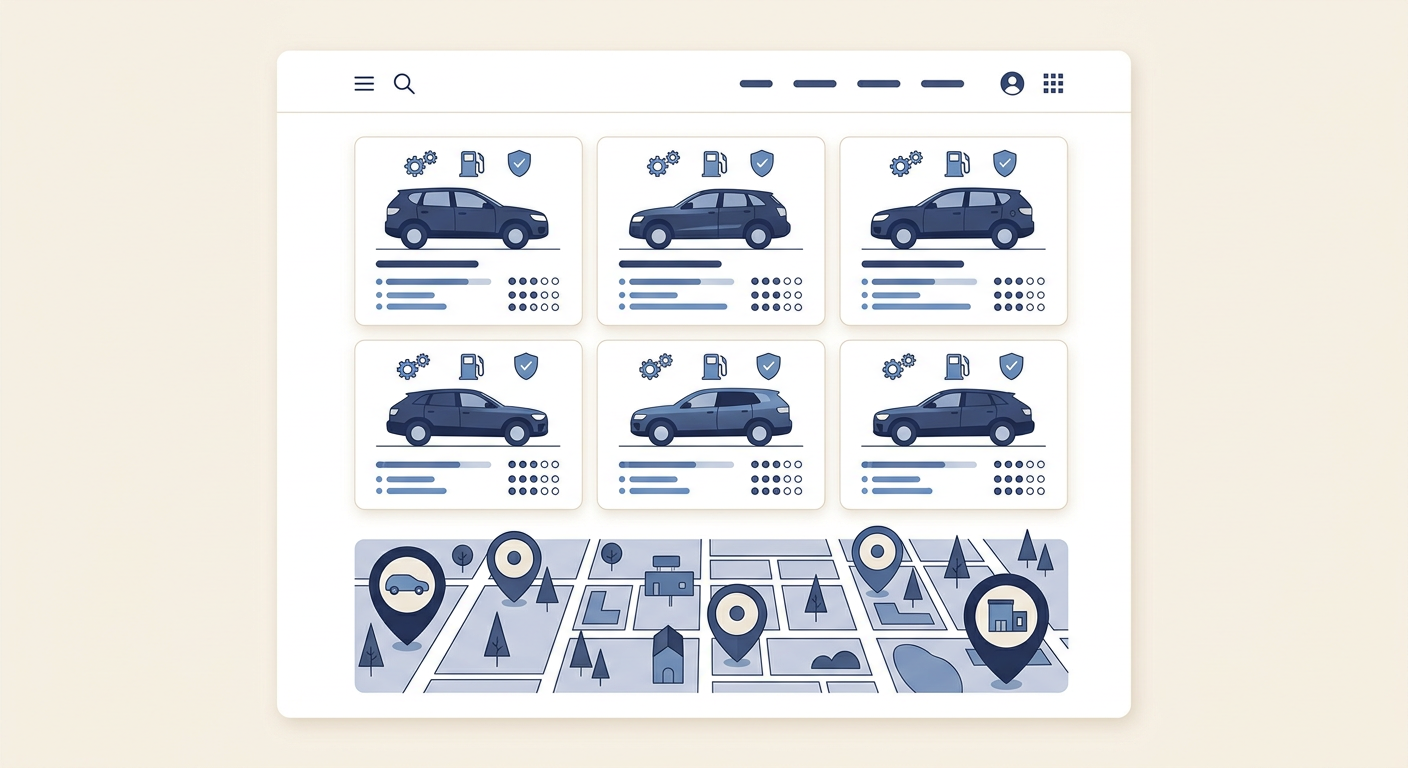
Local SEO for car dealerships isn’t just about your homepage and inventory.
Shoppers type questions, not store names. Research content answers those questions first.
If you publish better answers than competitors, you win more impressions, clicks, and leads.
What is local vehicle research content?
Research content explains models, trims, features, dimensions, towing, safety tech, pricing context, and how a vehicle fits real local driving.
It includes model overviews, trim breakdowns, comparisons, buyer’s guides, towing and payload explainers, and seasonal driving tips tied to your city.
The goal: attract high-intent shoppers before they pick a store by becoming their trusted source for answers.
Why Google rewards research pages
Search engines want to surface content that satisfies intent. When someone searches for "2024 midsize SUV towing," a strong research page beats a generic SRP.
Good research pages improve engagement signals—time on page, scroll depth, and internal clicks—that correlate with better organic visibility.
They also earn natural links from forums, local blogs, and community groups because they’re reference-worthy, not promotional.
- Useful, non-salesy explanations of specs and features
- Clear structure with headings, images, and comparison sections
- Local relevance signals, like driving conditions and nearby landmarks
- Internal links that help shoppers keep learning
How research content drives local SEO for car dealerships
Local SEO for car dealerships relies on topic relevance plus geographic signals. Research pages give you both.
When you tie model info to local roads, weather, parking, and use cases, you create relevance Google can map to your city and service area.
These pages also target long-tail keywords with lower competition and strong intent, creating consistent organic traffic that converts.
- Rank for question-based and comparison keywords your inventory pages miss
- Capture early-funnel buyers before they submit leads elsewhere
- Build topical authority that lifts your entire domain
Topics that win search in your market
Think like a shopper in your city. What do they tow? Where do they commute? What parking challenges do they face downtown?
Map content to local needs and model use cases, then update it each model year.
- Model-year overviews: What’s new, trims, key features
- Trim and package breakdowns with plain-English differences
- Comparisons vs competing models customers actually cross-shop
- Towing, payload, roof rack, bed size, and cargo configuration guides
- AWD vs 4x4 for snow, rain, or unpaved county roads near you
- Range and charging for EVs around local stations and highway corridors
- Safety and driver-assistance explained for city traffic and school runs
Model pages vs trim pages vs comparisons
Not all research pages do the same job. Use each type for a specific intent and interlink them.
Model pages introduce the vehicle, trim pages help choose, and comparisons keep shoppers from bouncing to third-party sites.
| Content Type | Primary Goal | Best For | Typical Keywords | Next Click |
|---|---|---|---|---|
| Model Overview | Introduce model and value | Early research | "2025 [Model] overview", "[Model] specs" | Trim page, gallery, inventory |
| Trim Guide | Clarify differences and pricing context | Mid-funnel choice | "[Model] [Trim] vs [Trim]", "which [Trim]" | Comparison, payment estimator, inventory |
| Comparison | Keep shoppers on-site vs alternates | Cross-shopping | "[Model] vs [Competitor]", "best [segment] in [city]" | Test drive CTA, inventory, model page |
| Use-Case Guide | Match vehicle to lifestyle | Practical needs | "towing capacity [Model] [year]", "fits 3 car seats" | Inventory filters, accessories |
| EV/Hybrid Guide | Explain range, charging, incentives | Local adoption | "[Model] range in winter", "charging near [city]" | Charging map, service, inventory |
Build pages that answer shopper questions
Start with the questions salespeople hear daily. Turn each into a scannable section with a concise answer and a next step.
Use plain English. Translate jargon like "limited-slip differential" into outcomes, like "more control pulling a boat up a wet ramp at Lakeview Marina."
Always connect features to local roads, weather, parking, towing, and weekend trips to anchor relevance.
- Open with a quick summary and who the model fits
- Add a simple specs snapshot and dimensions that matter locally (garage fit, trailer classes)
- Break down trims by must-have features and budget ranges without promising prices
- Include 2–3 real-world scenarios: commuting on I-75, winter traction on Maple Pass, tight parking downtown
- End each section with a soft CTA: explore trims, view photos, schedule a visit
On-page SEO checklist for local SEO for car dealerships
Optimized structure helps research pages earn and keep rankings. Keep it clean, fast, and helpful.
- Title tag: include model + year + city or region where appropriate
- H2/H3s: mirror common question formats (who/what/which/how much)
- Meta description: benefits + location context
- URL: short, stable slugs (avoid auto-generated gibberish)
- Images: alt text describes what’s visible and local use (e.g., "SUV with ski rack in [city]")
- Internal links: model ↔ trims ↔ comparisons ↔ inventory ↔ service
- FAQ schema for 3–5 well-phrased Q&As
- Compression, lazy-loading, and Core Web Vitals targets
- Clear next-step CTAs without aggressive popups
Internal linking that boosts local relevance
Your research hub should be a tightly interlinked cluster. Each page should lead to the next best action.
Link upward to category hubs (SUVs, Trucks), sideways to comparisons, and down to trim and inventory pages to distribute authority.
- Add a "Related research" block at the end of every page
- Use descriptive anchors: "towing guide for [Model]" not "click here"
- Link to local proof pages: customer stories, service guides, accessory installs
- Keep links fast: avoid heavy scripts on critical paths
Schema, media, and UX enhancements
Schema helps search engines understand your content and can unlock rich results.
Media and layout make research pages feel credible and easy to use on mobile.
- FAQPage for Q&A sections; ItemList for trim lists; Product for model specifics where allowed
- BreadcrumbList that reflects your content cluster
- Compressed images with descriptive alt; short video clips under 60s for feature explainers
- Comparison tables for specs and scenarios
- Sticky table of contents on long pages for quick jumps
- Clean typography, generous spacing, readable contrast
Measuring impact: KPIs and tools
Track how research content influences visibility, engagement, and conversions—not just pageviews.
Use a simple dashboard to tie rankings and sessions to form fills, calls, route requests, and assisted conversions.
- Rankings: question and comparison keywords by city/ZIP
- Organic sessions and entrance pages for research content
- Scroll depth, time on page, internal click-through to inventory
- Assisted conversions in analytics for VDP views and lead forms
- Backlinks from local blogs, clubs, forums, and schools
- GSC impressions and CTR trends by query bucket
Production workflow for your team
Consistency beats bursts. Publish a predictable cadence tied to model-year cycles and local seasons.
Document templates and style so anyone on the team can ship pages that match quality standards.
- Monthly plan: 2 model overviews, 2 trim guides, 1 comparison, 1 use-case guide
- Standard outline: summary, specs snapshot, trims, local scenarios, FAQs, next steps
- Review loop: product specialist fact-checks; manager approves brand tone
- Refresh cycle: update major pages each model year; minor edits quarterly
- Image process: source, compress, alt text, and captions with local context
Compliance and brand voice
Avoid hard claims or promises. Focus on accurate explanations and helpful context.
Keep tone informative and approachable. Invite next steps without pressure.
- Don’t quote specific APRs, payments, or incentives
- Don’t imply guaranteed approval or inventory
- Use brand-approved naming for trims and packages
- Cite official specs and label estimates as such
- Keep CTAs soft: "Explore trims" or "See it in person"
Common mistakes to avoid
Thin, copy-paste pages won’t rank or convert. Neither will walls of specs with no guidance.
- Using OEM copy verbatim (duplicate content risk)
- Skipping local relevance (no mention of roads, weather, or lifestyle)
- No internal links or dead ends on the page
- Overloaded hero sliders and heavy scripts slowing LCP
- Ignoring mobile scannability and tap targets
- Letting pages go stale across model years
Final thoughts
Research content is the foundation of sustainable organic growth. It answers real questions, earns trust, and keeps shoppers on your site.
Build a focused library, tie it to your city, and maintain it. That’s how local SEO for car dealerships compounds month after month.
Suggested internal links for this article
- How to build model and trim pages that convert
- Creating comparison pages that keep shoppers on-site
- Local landing pages vs. research pages: when to use each
- On-page SEO checklist for dealership websites
- Measuring SEO leads in Google Analytics and Search Console
- Writing EV charging guides for your local market
Related resources
Related articles
Automotive Local SEO: How Google Picks Which Dealership to Show
Wonder why a competitor shows up in the Map Pack instead of you? Here’s how automotive local SEO actually works and what your dealership can adjust.
Sep 30, 2026 · 9 min read.Local SEOLocal SEO for Car Dealerships: Covering the Towns Around You
Your market isn’t just one city. Use local SEO for car dealerships to cover nearby towns, drive map rankings, and pull shoppers from every direction.
Sep 29, 2026 · 9 min read.Local SEOLocal SEO for Car Dealerships: How to Dominate Your Metro Area
Practical local SEO for car dealerships. Map pack wins, city pages, reviews, and content that captures buyers across your metro—and turns searches into showroom visits.
Jul 31, 2026 · 8 minDealer Blogs plans, writes, and updates model, trim, and comparison pages for your market. Publish consistently without adding work to your team.